
What Is A Konnector
What is a Konnector?
An automated workflow that integrates multiple applications to streamline tasks and processes. No code required.
Overview
A Konnector is an automated workflow in Konnectify that integrates multiple applications to streamline tasks and processes. By creating Konnectors, you can set up triggers and actions between various apps, enabling seamless data flow and task automation without writing any code.
- Connect multiple apps into a single automated workflow
- Set up triggers that start automations when specific events occur
- Define actions that run automatically in response to those triggers
- Keep your apps working in sync without manual intervention
- Automate repetitive tasks, no code required
Key Components
Every Konnector is built from two fundamental building blocks, a trigger and one or more actions. Together they form the backbone of every automation.
A trigger is the event that starts the workflow. When a specific event occurs in one app, it kicks off the automation.
- A new email is received
- A new support ticket is created
- A form submission is recorded
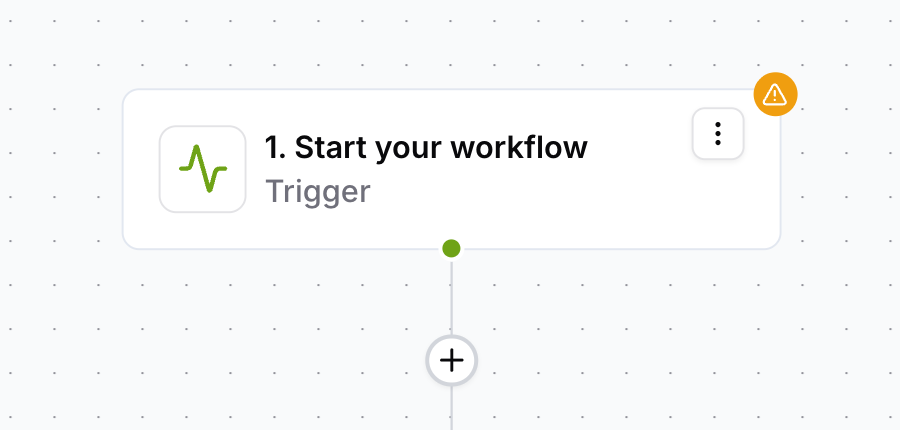
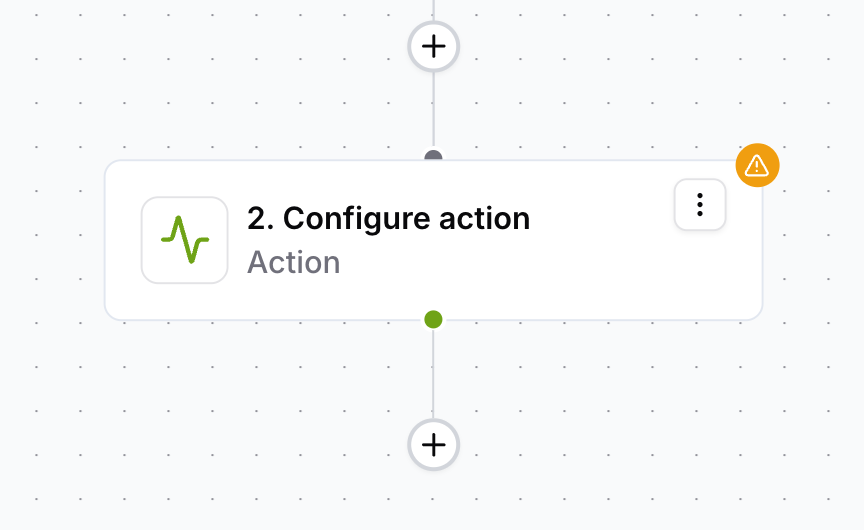
An action is the task performed in response to the trigger. This is what happens automatically once the trigger fires.
- Sending an SMS notification
- Updating a CRM record
- Creating a task in a project management tool
How They Work Together
Triggers and actions work in sequence. When the trigger event fires, Konnectify executes the defined actions automatically — keeping your apps in sync without any manual effort.
The trigger fires once. All actions run automatically in sequence, no manual steps needed.
Was this article helpful?
That’s Great!
Thank you for your feedback
Sorry! We couldn't be helpful
Thank you for your feedback
Feedback sent
We appreciate your effort and will try to fix the article